










How to Create Anime-Style Images Using AI (Step-by-Step)
Bring your characters to life effortlessly -this guide shows you how to create stunning anime-style images using AI, even if you’ve never drawn before.

Summary Box
- Pick the Right Generator - Choose an AI tool trained for illustrations to ensure accurate anime-style proportions and shading.
- Write Effective Prompts - Include character traits, style, colors, and mood to guide AI outputs.
- Refine Style Settings - Adjust line sharpness, saturation, and detail levels to make your images polished and consistent.
- Use Images Across Platforms - Apply your anime visuals for gaming avatars, streaming overlays, thumbnails, and even short animations.
Anime-style visuals are now a staple in gaming, streaming and online creativity. What most people want to learn is how to create anime images that look polished and intentional, why this approach matters and how to do it without years of drawing experience.
This guide breaks the process down into clear, actionable steps.
Step 1: Understand What’s Actually Happening Behind the Scenes
Many beginners expect instant perfection, but these tools work by predicting visual patterns based on large datasets and your input.
Having a basic understanding of what AI is and how it’s commonly used helps set realistic expectations and explains why prompts and settings matter so much. According to industry experts, users who grasp this foundation get more predictable results and waste less time guessing.
Step 2: Choose the Right Image Generator for Anime Art
The quality of your results depends heavily on the generator you choose. Some tools are trained mainly on photographs, which makes them struggle with stylized line art and exaggerated facial features.
Data suggests that illustration-focused generators produce cleaner outlines and more consistent anime proportions. If you’re unsure where to begin, reviewing comparisons of the best AI image generators can save a lot of trial and error.

What to prioritize:
- Anime or manga presets
- Strong facial rendering
- Style consistency across generations
Step 3: Write Strong Prompts To Produce Best Anime-Style Results
Your prompt is the most important input you control. A vague description leads to generic images, while a detailed prompt gives the generator clear direction.
A prompt is your instruction manual. The clearer it is, the better the output.
How to Structure an Effective Anime Prompt
AI helps detect patterns such as eye proportions, line thickness and shading gradients, but only when those details are clearly described.
A good anime prompt usually includes:
- Character role or personality
- Visual style (such as cel-shaded or classic anime)
- Color palette and lighting
- Mood or environment
Example: “Anime-style futuristic racer, clean cel-shading, vibrant colors, dynamic lighting, detailed expressive eyes”
Step 4: Adjust Style Controls Like a Pro
In real player scenarios, small changes - like slightly increasing line clarity or reducing noise - make characters look more consistent. This is why experienced creators often rely on platforms featured among the best AI tools rather than default generators.
Most modern generators allow you to adjust:
- Line sharpness
- Color saturation
- Detail level
These controls are where average outputs become polished visuals.
Step 5: Keep Characters Consistent for Games and Avatars
If you plan to reuse a character, consistency is more important than experimentation. Many tools allow reference images that help preserve facial structure and overall style.
According to industry experts, consistent character visuals improve recognition. Uploading a reference image helps maintain style across multiple renders. Certification labs use AI to verify visual consistency in design workflows and the same principle applies here.

This is especially useful if you’re:
- Designing a game character
- Creating VTuber assets
- Building a brand mascot
Step 6: Anime-Style Images for Gamers and Streamers
Anime-style visuals perform well because they communicate emotion clearly, even at small sizes. Thumbnails, overlays and profile images benefit from bold colors and expressive faces.
Professional AI creators have determined that anime thumbnails often outperform realistic images in click-through rates because they remain readable at a glance.
Step 7: Turn Still Images into Motion
Once you have a finished image, some tools let you animate it. Based on provider testing models, subtle movement, such as blinking or gentle head motion, boosts engagement without distracting from the character.
Understanding how AI tools work also helps here, as animation relies on predicting motion between frames rather than redrawing everything.
Quick Tips for Animating Images
- Start with a clean, high‑resolution image - better source quality improves motion results
- Use simple motion first - camera moves, slight character motion, before complex effects
- Choose the right tool for your goals - Runway is a great option for pro workflows, Artlist and CapCut are recommended for social clips, while TokkingHeads is a good choice for expressive portraits
Step 8: Export, Upscale, and Publish
Before sharing:
- Upscale for clarity
- Export as PNG for transparency
- Check usage rights
Keep in mind that higher-resolution anime images perform better across social and streaming platforms.
The Key Takeaway
Anime-style image creation is no longer locked behind complex tools. With the right generator, a clear prompt, and small refinements, anyone can create expressive anime art.
Creating anime-style images isn’t about pressing a button - it’s about guiding the tool with clarity. The formula is simple here: more details = a better result.
Start simple, iterate often, and let the tools handle the heavy lifting while you focus on creativity. Choose a generator built for illustrations, understand the basics, write thoughtful prompts, and refine what you see. The simplest takeaway: intentional input leads to intentional results.
Nejnovější zprávy
From Derby tradition to HHR halls and mobile sportsbooks, Kentucky’s gambling market plays by its own rules.
Five new slots land this week, with Pragmatic Play doubling up and Nolimit City bringing Duck Hunters back for a much louder sequel.
If you've ever had trouble telling apart Scatters, Tumbles, Cascades, and Clusters, this detailed guide will teach you everything you need to know.
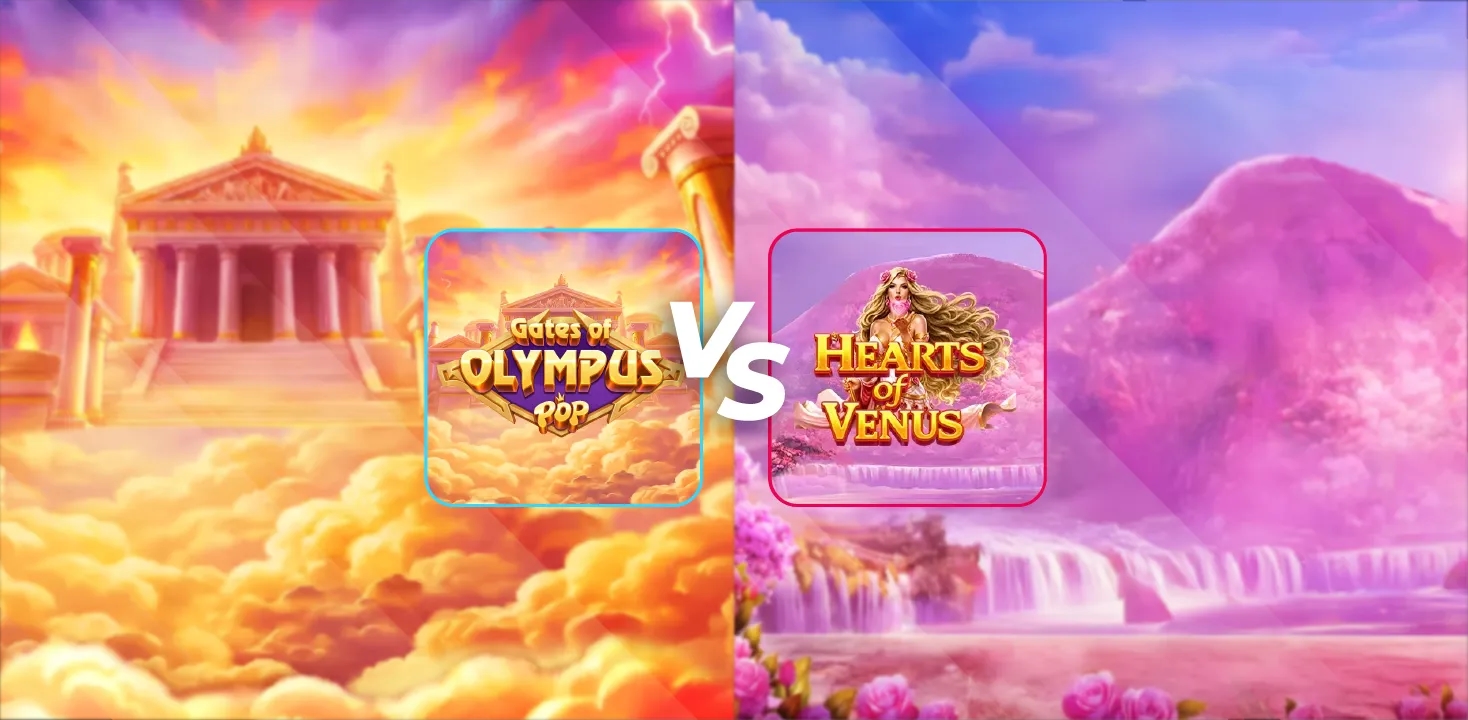
One slot shrinks a thunder god into your pocket, the other buries the goddess of love in petals - and only one leaves with the crown.
Můžete se také líbit

Best AI Video Generators for Entertainment & Streaming


24Slots
Welcome Bonus
285% up to €500
50 Free Spins


Casino.Click
Welcome Bonus
Sweep Coins 20
Gold Coins 200k

Hit'N’Spin
Welcome Package
295% up to €800
200 Free Spins


VulkanSpiele
Welcome Package
300% up to €2,000
250 Free Spins


Slot Mafia
Welcome Package
350% bonus up to
€15,000
350 Free Spins


Jet4Bet
Welcome Package
300% bonus up to
€15,000
350 Free Spins
Často kladené dotazy
What are the best AI image generators for anime-style images?
Tools trained on illustration-focused datasets tend to produce the most consistent anime visuals.
Do I need drawing skills to create anime images?
No. Clear prompts and basic refinements are enough to achieve strong results.
Are anime-style images useful for gamers and streamers?
Yes. They’re commonly used for avatars, overlays, and thumbnails because they stand out visually.
Can anime images be animated?
Yes. Some platforms can add motion to still images using video generation techniques.