

















How Streamers Use AI for Overlays, Animations & Effects
See how streamers use AI tools to create overlays, animations, and effects that look pro, react in real time, and still feel personal.
Summary Box
- AI overlays: Prompt-based tools that generate full stream layouts in seconds.
- Reactive effects: Overlays that update live based on in-game events and alerts.
- AR filters & avatars: AI-powered masks, beauty filters, and VTuber-style characters.
- Branding helpers: AI widgets, webcam frames, and logos that keep visuals consistent.
- Clip & edit tools: AI that finds highlights and adds overlays for TikTok, Reels, and Shorts.
Most creators don’t have time to learn full-on motion design, but they still want streams that look like a proper show, not a screen share with a webcam stuck in the corner. That’s where AI tools for streamers have quietly stepped in.
Instead of designing everything from scratch, streamers now use AI overlays, AI animations, and AI effects to handle the visual heavy lifting. The streamer still chooses the style and vibe, AI just makes it faster and easier to get there.
AI Overlays: From Prompt to Layout
A few years ago, getting a unique overlay meant paying a designer or wrestling with Photoshop. Now, AI overlay generators can build a full stream look from a short text description.
How AI Overlay Generators Work
Tools like Pixelcut’s AI stream overlay generator let you describe your ideal theme; for example, “cozy RPG overlay with warm colors, wood textures, chat on the right, webcam top left”, and generate multiple designs you can download and drop into OBS or Streamlabs.
Similar generators can also create chat overlays, animated “starting soon” screens, countdowns, and even themed HUD-style frames just from prompts.
Why This Helps Smaller Creators
For smaller channels, this matters a lot. You don’t need design skills or a budget for custom art. With a couple of prompts, you can get:
- A complete AI Twitch overlay set
- Matching panels and starting screens
- Variations for different games or moods
It’s not a replacement for original art, but it’s an enormous step up from default layouts or mismatched graphics.

Animations and Effects That React in Real Time
Static overlays are only half the story. In 2026, a lot of the visual “wow” comes from AI-powered stream effects that react as things happen on screen.
Reactive Overlays Powered by AI
Streamlabs AI powers reactive overlays that update in real time based on in-game events; eliminations, wins, deaths, and more. These overlays can show live kill counters, win/loss stats, or special animations that trigger when you clutch a round.
That means your overlay stops being a static frame and starts acting like part of the game UI, but styled to match your brand.
AR Filters, VTuber Avatars, and Room-Level Effects
Tools like Streamfog bring AR into streaming: masks, lenses, and room-scale effects that can be driven by alerts or viewer interaction. You can turn alerts into things that “break the wall” behind you, drop objects into your room, or apply VTuber-style filters directly in your camera feed, all routed into OBS like a regular source.
For viewers, it feels like the stream reacts physically to what’s happening, not just with a pop-up image in a corner.
Building a Consistent Brand With AI
One thing viewers notice (even if they don’t say it) is whether your graphics match. Random fonts and colors make a stream feel messy, even if the content is good.
AI Branding Tools for Streamers
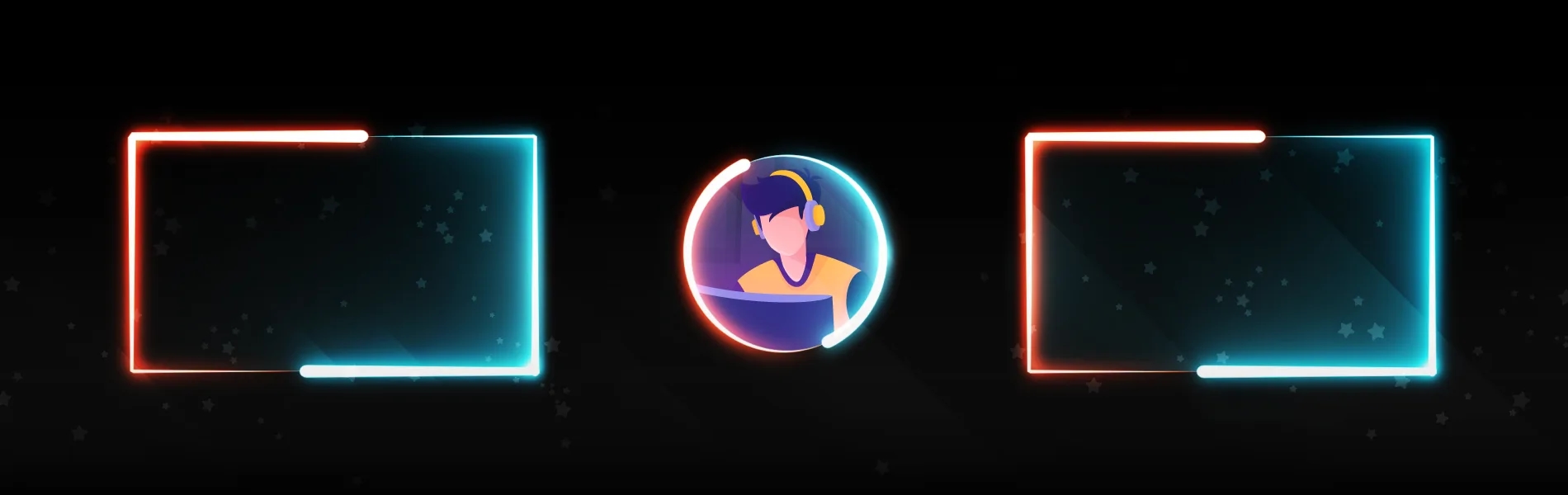
Services like OWN3D’s AI Webcam Frame Generator let you generate AI-powered webcam frames by describing your style. For example “clean sci-fi frame with teal accents,” and then use that frame across all your scenes.
These sit alongside AI emote makers, logo generators, and widget makers, which help keep alerts, chat boxes, and panels visually aligned without manually designing each piece.
Keeping Your Visual Identity Cohesive
By using a few AI branding tools for streamers, you can:
- Lock in a consistent color palette
- Keep overlays, alerts, and frames in the same style
- Quickly spin up variations for events, seasons, or special streams
It makes your channel feel like a single visual identity instead of a collection of random assets.

Workflow Boosters: Clips, Intros, and Post
Visuals don’t stop when you hit “end stream.” Short-form content is essential now, and AI highlight tools save a lot of time.
AI Highlight Tools for Streamers
Platforms like Eklipse scan your Twitch, YouTube, or Kick streams automatically, detect hype moments (kills, clutch plays, big reactions), and turn them into vertical clips ready for TikTok, Reels, or Shorts.
Instead of digging through hours of VODs, you log in and grab the best moments, sometimes already captioned and templated.
Reusing AI Visuals Across Platforms
The same AI overlays and branding you use live can also be reused:
- In your intro/outro edits
- On thumbnails and promo posts
- Inside highlight clips and Shorts
This ties your whole presence together, whether viewers find you on stream or on social.
How to Use AI Without Losing Your Personality
Artificial intelligence is everywhere in streaming now, from smart overlays that react to subs, to automated scene switches and chat summaries. With so many AI tools for streamers available, it’s easy to overdo it and end up looking like every other channel using the same presets.
Let AI Handle Structure, Not Personality
A simple way to keep things grounded:
- Let AI overlays handle structure: boxes, frames, backgrounds
- Let AI effects handle triggers and automation
- Keep your voice, humor, pacing, and community rituals firmly in your control
If a visual choice doesn’t feel right, don’t force it. The best effects are the ones that make you stand out, not the graphics. The same trade-off shows up in wider AI trends in gaming too: the tech works best when it takes care of the repetitive work and lets humans stay in charge of what actually gives the experience its character.
Latest news

Washington mixes a strong tribal casino scene with some of America’s toughest online gambling rules.

Paperclip heads for open water, Pragmatic summons gods, frogs and witches, while Hacksaw brings a raccoon and a pair of fists to the party.

One brings the barbecue. The other brings an armed duck uprising. Only one leaves with the Slot Wars trophy.

From Derby tradition to HHR halls and mobile sportsbooks, Kentucky’s gambling market plays by its own rules.
You may also like

Best AI Video Generators for Entertainment & Streaming

Best AI Tools Every Gamer Should Be Using Right Now


Ivybet
Welcome Package
255% up to €1,500
250 Free Spins


24Slots
Welcome Bonus
285% up to €500
50 Free Spins


Betrophy
Welcome Bonus
220% up to €500
25 Free Spins


WikiLuck
Welcome Bonus
220% up to €500
25 Free Spins


Starzino
Welcome Package
150% up to €1,500
150 Free Spins


Wildsino
Welcome Bonus
125% up to €450
300 Free Spins
Faq
Do I need design skills to use AI overlays?
Not really. Most AI overlay generators take a text prompt and output ready-to-use designs you can still tweak manually if you want more control.
Will AI effects hurt my stream performance?
It depends on the tool. Many AI AR and effect tools are built with streaming performance in mind and offload heavy processing so your game doesn’t suffer. Streamfog, for example, specifically advertises optimization for OBS and Streamlabs.
Can I use these AI tools with OBS or Streamlabs?
Yes. Most AI tools for streaming are designed to plug into OBS, Streamlabs, or similar software as browser sources, overlay packages, or virtual cameras, and Streamlabs even offers its own AI-powered reactive overlays.
What are some good starter AI tools for stream visuals?
Good entry points include Pixelcut’s overlay generator, Streamlabs reactive overlays, OWN3D’s AI webcam frame tools, and AI highlight tools like Eklipse or Spikes Studio for clipping.