








Best AI Image Generators for Gaming, Art & Fun
Check out our detailed analysis of some of the best AI Image Generators in the game, like Midjourney and Adobe Firefly.

Summary Box
- Best “wow” visuals for game concepts: Midjourney
- Best for control + custom styles: Stable Diffusion (licensing depends on revenue/terms)
- Best for clean, beginner-friendly images: DALL·E (follow OpenAI terms/policies)
- Safest “brand-friendly” option: Adobe Firefly
Machine-learning image tools aren’t novelties anymore - they’re production accelerators. For game devs, they speed up mood boards, character ideation, UI vibes, and environment thumbnails. Artificial Intelligence is the future, there’s no doubt about that, and image generators are very much at the forefront of the machine-learning revolution.
For artists and marketers, they’re a fast sketchbook: generate variations, pick the best idea, then polish it manually. The real advantage isn’t “one perfect image.” It’s iteration speed - more shots on goal, less time stuck on blank-canvas tilt. With further ado, let’s learn more about how AI tools work.
What Makes An AI Image Generator “Good”?
The “best AI image generator” depends on what the job is:
- Gaming: consistency (same character across poses), control, and style matching.
- Art/illustration: composition, prompt understanding, and aesthetic depth.
- Fun: speed, zero-friction UI, and shareability.
Also: licensing clarity. Some tools position themselves as safer for commercial use (like Firefly) , while others require you to understand plan tiers or model licenses.
Best AI Image Generators For Gaming
Midjourney (best for AAA-style concept art)
If your goal is cinematic key art - fantasy cities, sci-fi armor, splash-screen drama - Midjourney is the “make it look expensive” button. It’s especially strong for art direction: mood, lighting, color scripts, and world-building references. Commercial use is addressed in Midjourney’s own documentation/terms (read it if money is involved).

Stable Diffusion (best for custom game assets and style consistency)
Stable Diffusion shines when you want control: custom models, style training, and local workflows (great for privacy-minded teams). The catch is setup and tuning, plus license details - Stability’s licensing highlights thresholds (e.g., revenue-based conditions) so studios should verify what applies to them.
Leonardo AI (best “game-dev friendly” middle ground)
Leonardo is popular with indie workflows because it aims at repeatability - useful when you’re building a whole world, not a single poster. Think props, environment pieces, texture-style exploration, and asset batches. (Still: always check usage rights before shipping content.)
Best AI Image Generators For Art & Illustration
DALL·E (best for clean, readable illustrations)
DALL·E is strong when you want clear compositions and solid prompt interpretation, great for editorial-style images, simple characters, and “idea to image” speed. Use it like a creative sparring partner: generate drafts, then refine. Just follow OpenAI’s terms and usage policies, especially for commercial/public outputs.
Adobe Firefly (best for commercial design workflows)
Firefly’s big selling point is “commercially safe” positioning, with Adobe describing training on licensed/public-domain sources and not training on customer content.

For brands, agencies, and anyone allergic to legal headaches, that’s a strong value prop - plus tight Creative Cloud integration.
Best AI Image Generators For Fun/Experimenting
Bing Image Creator (best free, fast laughs)
Perfect for memes, avatars, thumbnails, and “let’s see what happens” prompts. If your goal is playful output with minimal effort, this one gets you from zero to shareable in minutes.
NightCafe (best for community + style experiments)
NightCafe is built for creative play: trying styles, joining challenges, and exploring prompts without needing a full workflow. It’s less “pipeline,” more “playground.”
AI Image Generator Comparison Table
|
Tool |
Best for |
Skill level |
Why it wins |
|
Midjourney |
Game concept art |
Medium |
Cinematic composition + style punch |
|
Stable Diffusion |
Custom assets |
Advanced |
Control, training, local workflows |
|
Leonardo AI |
Game dev output |
Medium |
Repeatability + asset-focused feel |
|
DALL·E |
Illustration |
Beginner |
Clean results + strong prompting |
|
Adobe Firefly |
Commercial design |
Beginner |
“Commercially safe” positioning |
|
Bing Image Creator |
Fun/free |
Beginner |
Fast, accessible |
|
NightCafe |
Experimentation |
Beginner |
Community + variety |
How To Choose The Right Tool
Ask three things:
- Inspiration or final asset? Inspiration = Midjourney/DALL·E style speed. Final-ish assets = control tools (Stable Diffusion workflows).
- Do you need commercial-safe clarity? Firefly is built around that story.
- Do you need consistency? If you’re making a cast of characters, control + repeatability matters more than “one perfect render.”
Pro move: use 2+ tools - one for big ideas (concepts), one for consistency (production), and potentially one for pure, simple experimentation. Variety is the spice of life, after all, isn’t it?
Legal & Ethical Considerations
AI images aren’t automatically free to use. Your rights depend on platform terms, model licenses, and how you use the outputs. Also, copyright and training-data disputes are still evolving - recent cases show how unsettled this space can be, especially for commercial work.
Rule of thumb: avoid prompting specific protected characters/IP, and don’t market outputs as official.

Wrap-up: The Best AI Image Generator Is The One That Fits Your Needs
If you want cinematic, AAA-style visuals that instantly sell a game idea, Midjourney is the best choice.
If you need full control, consistent characters, custom styles, and repeatable assets, Stable Diffusion works like a proper toolbox.
For quick, clean images with no learning curve, DALL·E is the easiest option.
And for client work or commercial projects, Adobe Firefly offers extra peace of mind with brand-safe usage.
In 2026, the real advantage isn’t access to AI tools - it’s knowing which one fits the job and when to stop generating and start building.
Últimas notícias

From Derby tradition to HHR halls and mobile sportsbooks, Kentucky’s gambling market plays by its own rules.

Five new slots land this week, with Pragmatic Play doubling up and Nolimit City bringing Duck Hunters back for a much louder sequel.

If you've ever had trouble telling apart Scatters, Tumbles, Cascades, and Clusters, this detailed guide will teach you everything you need to know.
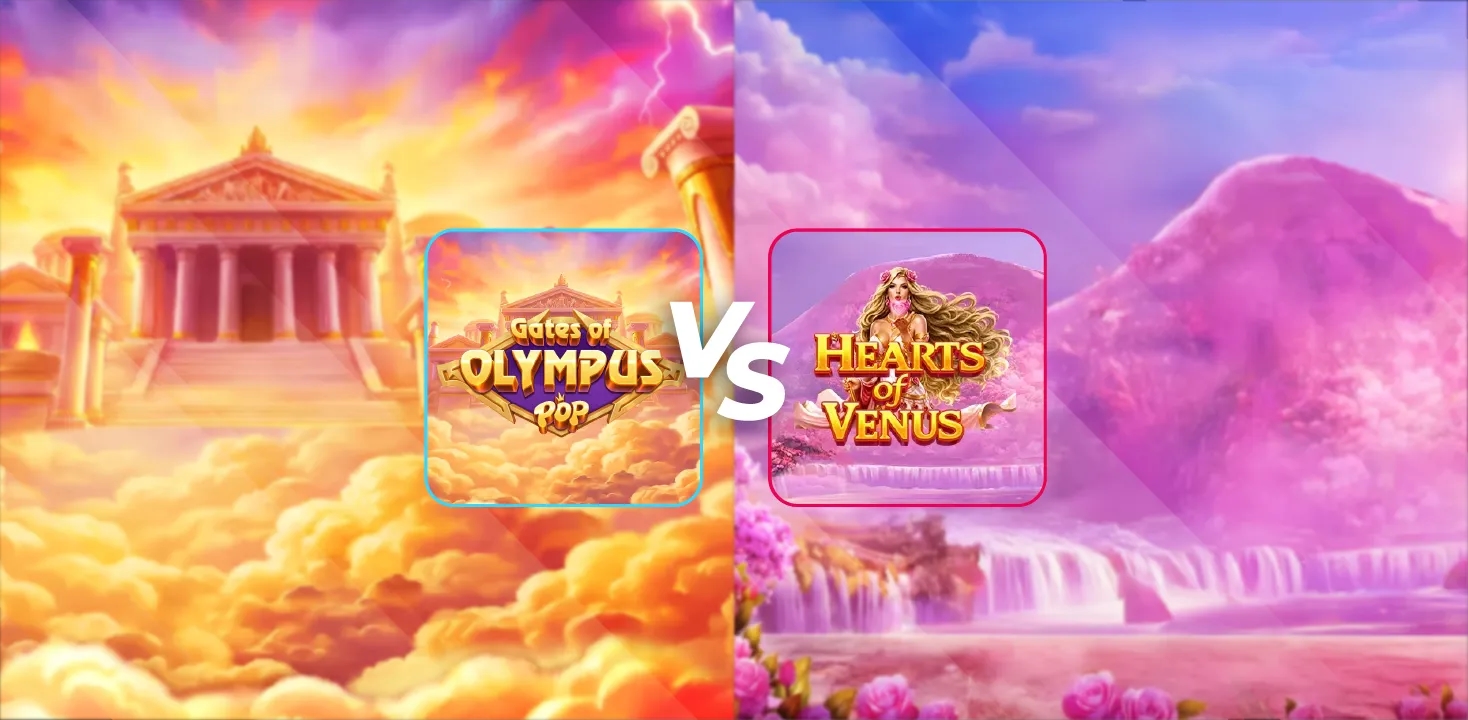
One slot shrinks a thunder god into your pocket, the other buries the goddess of love in petals - and only one leaves with the crown.
Você também pode gostar

The Popularity Of Mobile Gambling Explained


24Slots
Welcome Bonus
285% up to €500
50 Free Spins


Casino.Click
Welcome Bonus
Sweep Coins 20
Gold Coins 200k

Hit'N’Spin
Welcome Package
295% up to €800
200 Free Spins


VulkanSpiele
Welcome Package
300% up to €2,000
250 Free Spins


Slot Mafia
Welcome Package
350% bonus up to
€15,000
350 Free Spins


Jet4Bet
Welcome Package
300% bonus up to
€15,000
350 Free Spins
Perguntas Frequentes
What is the best AI image generator for game concept art in 2026?
Midjourney is a top pick for cinematic concept art and art-direction references.
Which AI image generator is best for custom, consistent assets?
Stable Diffusion is strongest for customization and consistent style, if you’re comfortable with setup and licensing details.
Can I use AI-generated images commercially?
Sometimes, yes - but it depends on the platform’s terms and the model license. Always verify before monetizing.